Stake.com Introduces Browser-Based Home Screen App for Faster Mobile Access
Stake.com introduces a new browser-based home screen application, offering quick, direct mobile access to its platform in about ten seconds.
Stake
TL;DR
Stake.com introduces a new browser-based home screen application, offering users quick, direct mobile access to its gambling platform without traditional app store downloads.
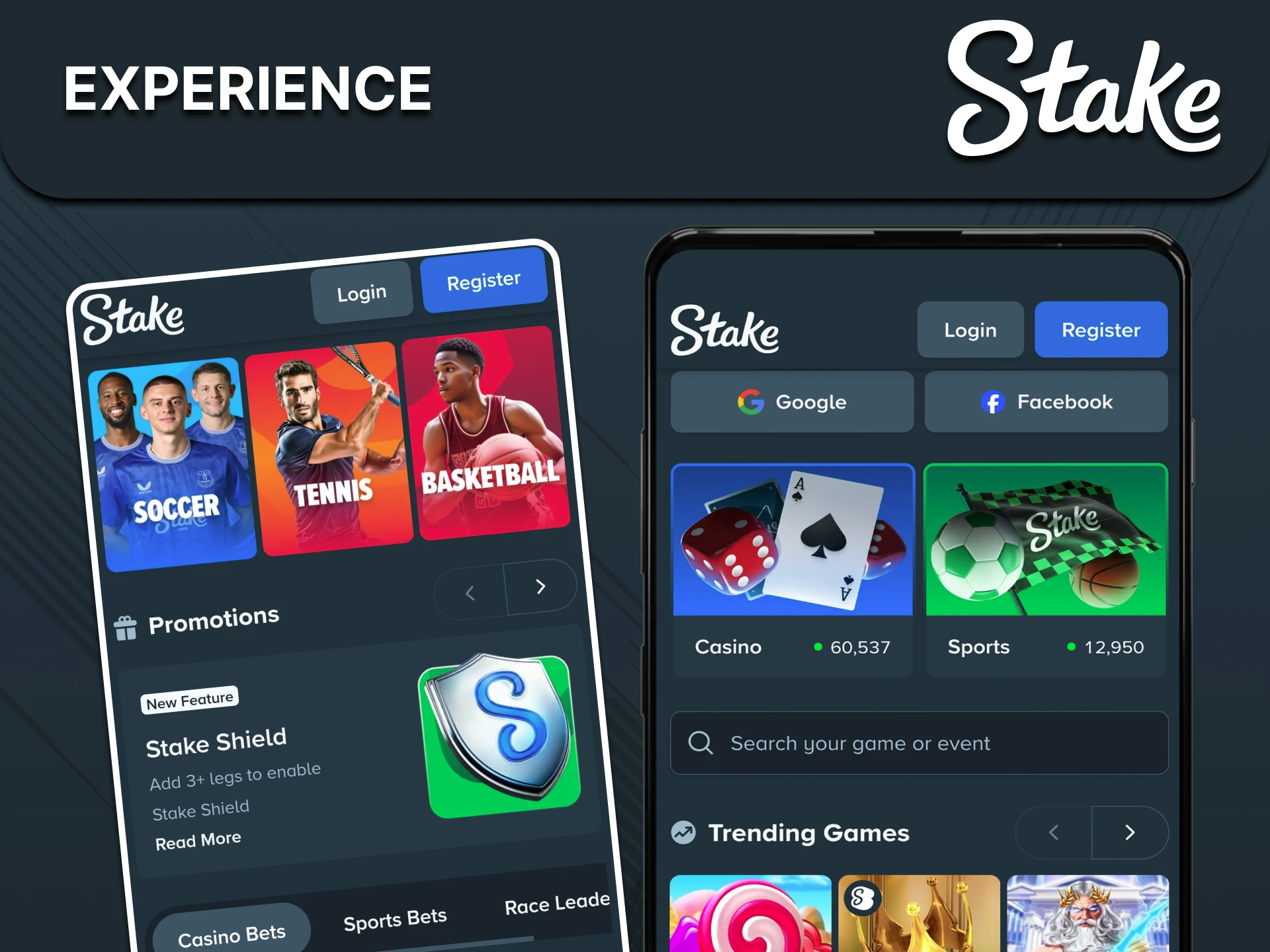
This new offering reshapes how users access mobile gambling. It functions not as a traditional downloadable app from an app store, but as a direct shortcut placed on a device’s home screen via the web browser. This method aims to streamline access to Stake.com’s existing mobile platform.
Installing the Stake.com application directly from a browser takes approximately ten seconds. This quick setup allows users to add the platform icon to their home screen on both Apple (via Safari) and Android devices. Once installed, it opens the mobile site instantly, functioning like a native application.
The browser-based version maintains all major features of the platform. It operates across various operating systems and functions with minimal lag, as noted by OddsPortal. This ensures a consistent experience regardless of the mobile device used.
Users gain full functionality upon launch. The app allows individuals to log in, view current balances, select preferred deposit methods, and utilize either local currency or cryptocurrency based on account availability. This comprehensive access supports swift navigation for sports betting, casino games, and account management.
This strategic move by Stake.com focuses on user convenience and immediacy. It bypasses the multi-step processes of traditional app downloads, catering to users seeking efficient, daily access to their betting and gaming activities. Watch how this direct access model impacts user engagement and adoption rates in the mobile gambling sector.
Continue reading
More in this thread
GM Becomes First U.S. Automaker to Power All U.S. Operations with 100% Renewable Energy in 2025
Elena Voss
Oil and Gas Corporate Venture Funding Surges in Q1 2026
Elena Voss
Talcott Resolution Life to Cut 101 Jobs in Connecticut as 300 More Loom at Stanley Black & Decker
Elena Voss
Conversation
Reader notes
Loading comments...